Browser-Based Engine Active

Convert OPUS to MP3

without the upload.

A private OPUS to MP3 converter for .opus, .ogg, and .webm audio. Convert files directly in your browser with no uploads, no server queues, and no sign-up.

Output Settings

Transparency Console

Single-thread (Fallback)
Waiting for engine initialization...

Built for fast, private OPUS to MP3 conversion when you need MP3 compatibility across devices, editors, and messaging apps.

100% Local Processing
Zero Server Uploads
WebAssembly Powered

How OPUS to MP3 Conversion Works (Without Servers)

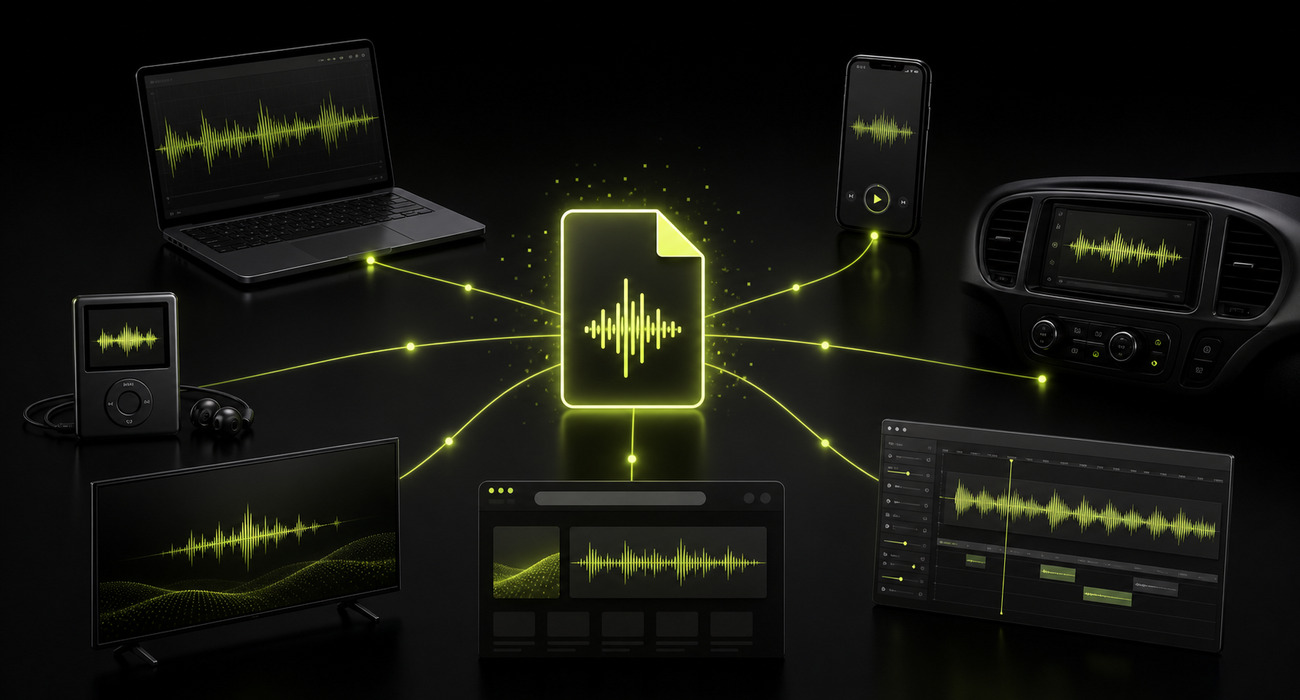
Unlike typical online tools, this OPUS to MP3 converter runs the conversion engine inside your browser. That means your audio stays on your device instead of going to a third-party server.

01

Engine Loads

When you first use the OPUS to MP3 converter, your browser downloads a small WebAssembly version of FFmpeg and caches it locally.

02

Local Processing

Your device's CPU handles the heavy lifting. The OPUS file is decoded and re-encoded to MP3 entirely within your browser's memory sandbox for fast OPUS to MP3 conversion.

03

Instant Save

Because the file never left your device, downloading the finished MP3 is instantaneous. No waiting for server queues or network transfers.

The Offline Challenge

Don't trust us. Test it yourself.

Anyone can claim "zero server uploads." We want you to verify the part that matters: your file never leaves your device. On first use, your browser may load the WebAssembly engine once. After that, turn off your Wi-Fi and convert opus to mp3 locally.

$> uploads: none
$> engine: in-browser WebAssembly
$> offline: after first load

Benchmark Lab

Test the WebAssembly engine performance directly on your device. Zero server uploads.

Load engine
Read file
Convert
Prepare download
Engine Load
--
Conversion
--
Speed
--
Size Change
--

Why people convert OPUS files to MP3

Most people make the switch when they need better compatibility for editing, sharing, archiving, or playback on older devices.

WhatsApp & Telegram

Voice notes are often saved as OPUS. Convert them to MP3 to share outside messaging apps or play on standard media players.

Video Editing

Premiere Pro, DaVinci Resolve, and Final Cut often struggle with raw OPUS files. MP3 ensures universal timeline compatibility.

Legacy Devices

Older car stereos, dedicated MP3 players, and smart TVs require standard MP3 files and cannot decode modern OPUS streams.

Voice Archives

Standardize your personal audio archives into a universally supported format that will remain playable decades from now.

When NOT to convert

If you are building a modern web app, streaming audio, or storing files where you control the playback environment, keep them as OPUS. It offers better quality at lower bitrates than MP3.

Bitrate Guide

64kbps

Voice Notes & Speech

Perfect for WhatsApp voice memos, podcasts, and audiobooks. Keeps file sizes tiny.

128kbps

Standard Music

The historical standard for MP3s. Good balance of acceptable quality and small size.

192kbps

High Quality (Recommended)

Transparent quality for most listeners. The best default choice for general audio.

320kbps

Maximum Quality

The highest MP3 bitrate. Use only if preserving maximum fidelity for editing or archiving.

Why is the MP3 bigger?

When you convert OPUS to MP3, the new file is often larger than the original. That is expected because MP3 needs a higher bitrate to preserve similar perceived quality.

OPUS is a modern marvel. It was standardized in 2012 and uses advanced psychoacoustic models and prediction algorithms. It can achieve transparent voice quality at just 32 kbps.

MP3 is from 1993. It requires much higher bitrates (typically 128 kbps to 192 kbps) to achieve similar perceived quality. When we convert OPUS to MP3, we must use a higher bitrate to avoid introducing new compression artifacts.

In practice, converting an OPUS file to MP3 means trading some codec efficiency for wider playback and editing support.

The Golden Rule of Transcoding

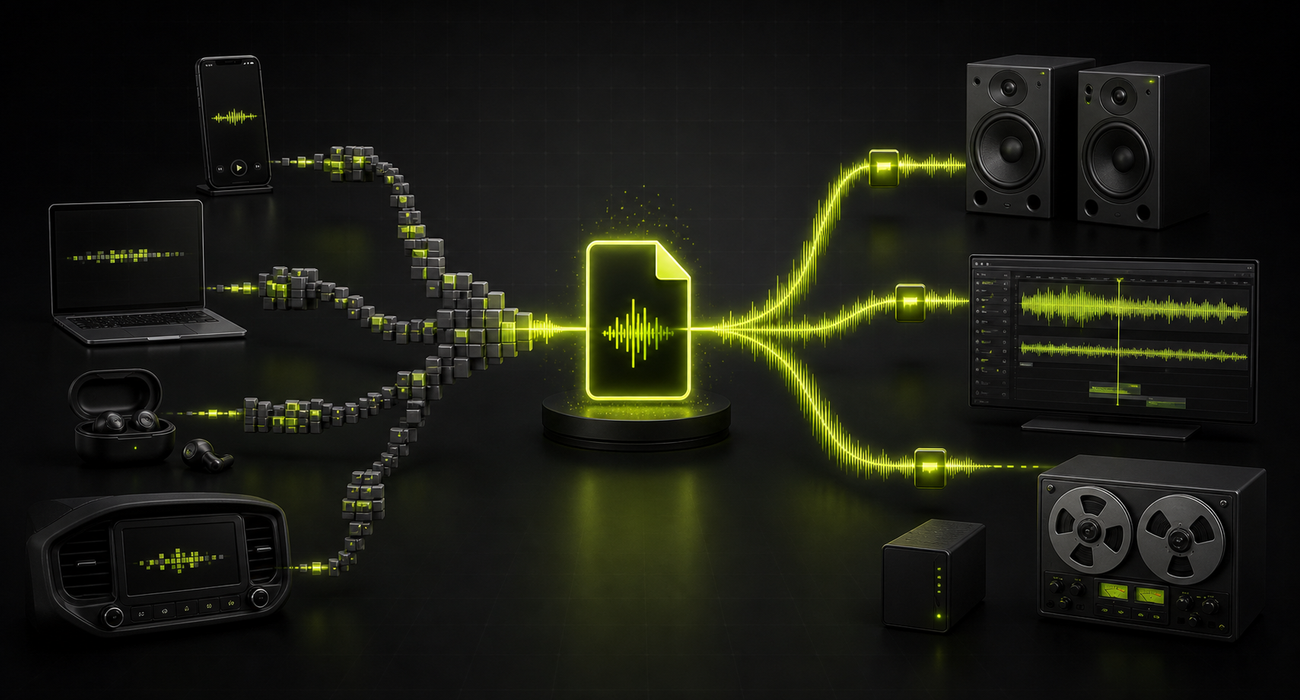
Converting from a highly efficient format (OPUS) to an older, less efficient format (MP3) will always result in a larger file if you want to maintain the same audio quality.
OPUS is a codec, not just a file extension

You might be surprised to learn that many files ending in .ogg or .webm are actually OPUS files inside. OPUS is the audio compression method (the codec), but it needs a "container" to hold it. Our OPUS to MP3 converter accepts all of these automatically.

.opus

The standard extension. Used when the file only contains OPUS audio and nothing else.

.ogg

The OGG container. Very common for OPUS. WhatsApp voice notes use this format.

.webm

The WebM container. Often used by web browsers when recording audio from a microphone.

Frequently Asked Questions

Next-Step Audio Tools

More browser-first utilities for trimming, cleanup, and OPUS file inspection.

Audio Trimmer

Coming soon

Trim the start, end, or awkward middle sections before exporting or sharing audio.

Voice Note Cleaner

Coming soon

Clean up spoken audio by trimming dead air and leveling volume before you export.

Opus Metadata Viewer

Coming soon

Inspect codec, container, duration, bitrate, sample rate, and embedded tags inside OPUS files.

Changelog

v2.0.0 - Browser-First Rebuild

2026

Redesigned the product and moved conversion from servers to the browser for a faster, safer, and fully local experience.

v1.5.0 - Localization Update

2022

Expanded the product to support 9 languages, making the OPUS to MP3 converter more accessible to users worldwide.

v1.0.0 - Original Launch

2019

Released the first version of the OPUS to MP3 converter as a simple online tool with server-side conversion.